Macbook Hardshell Case

Skip to product information
1 of 9

Help me find my MacBook model

Step 1

On the back of your MacBook, locate the model number made up of one letter and 4 digits.

MacBook back

Step 2

Find the model number or enter it in the search field to help you find it more easily.

  • MacBook Neo
  • Macbook Air 13" (2010 - 2017) A1466/ A1369
  • Macbook Air 13" M1 (2018-2020) A1932/ A2179/ A2337
  • MacBook Air 13" M2 / M3 / M4 / M5 A2681/ A3113
  • MacBook Air 15" M2 / M3 / M4 A2941/ A3114
  • Macbook Pro 13" M1 / M2 (2016 - 2020+) A2251/ A2289/ A2338/ A1989/ A1708/ A1706/ A2159
  • MacBook Pro 14" M1 / M2 / M3 / M4 / M5 A2442/ A2779/ A2992/ A2918
  • MacBook Pro 16" M1 / M2 / M3 / M4 A2485/ A2780/ 2991

Ship from our shop between 3 and 5 business days

This products could give your up to 300 points.
Learn more about our fidelity programm

Product Details

Product Details

Full MacBook protection. Zero compromise on the look.

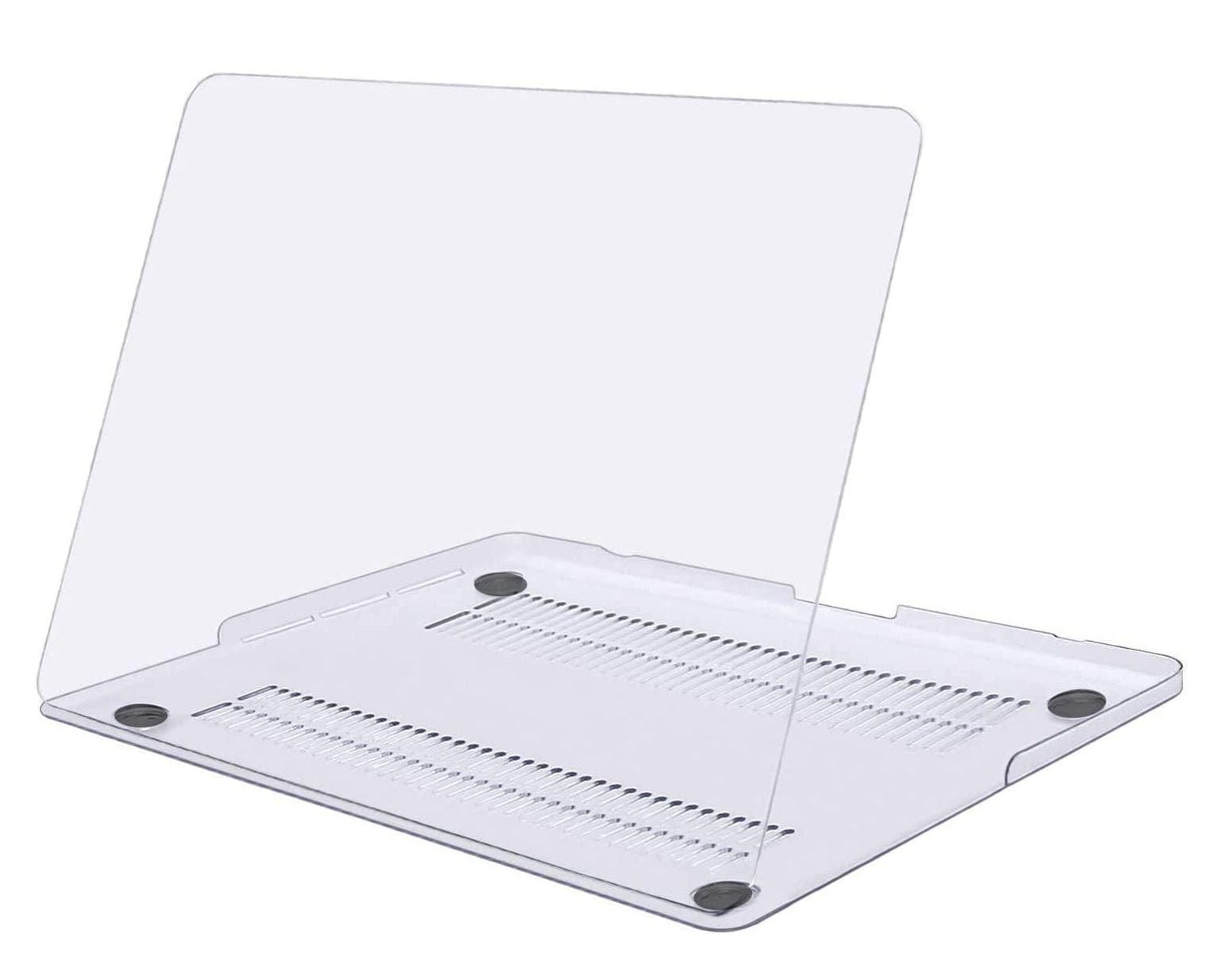
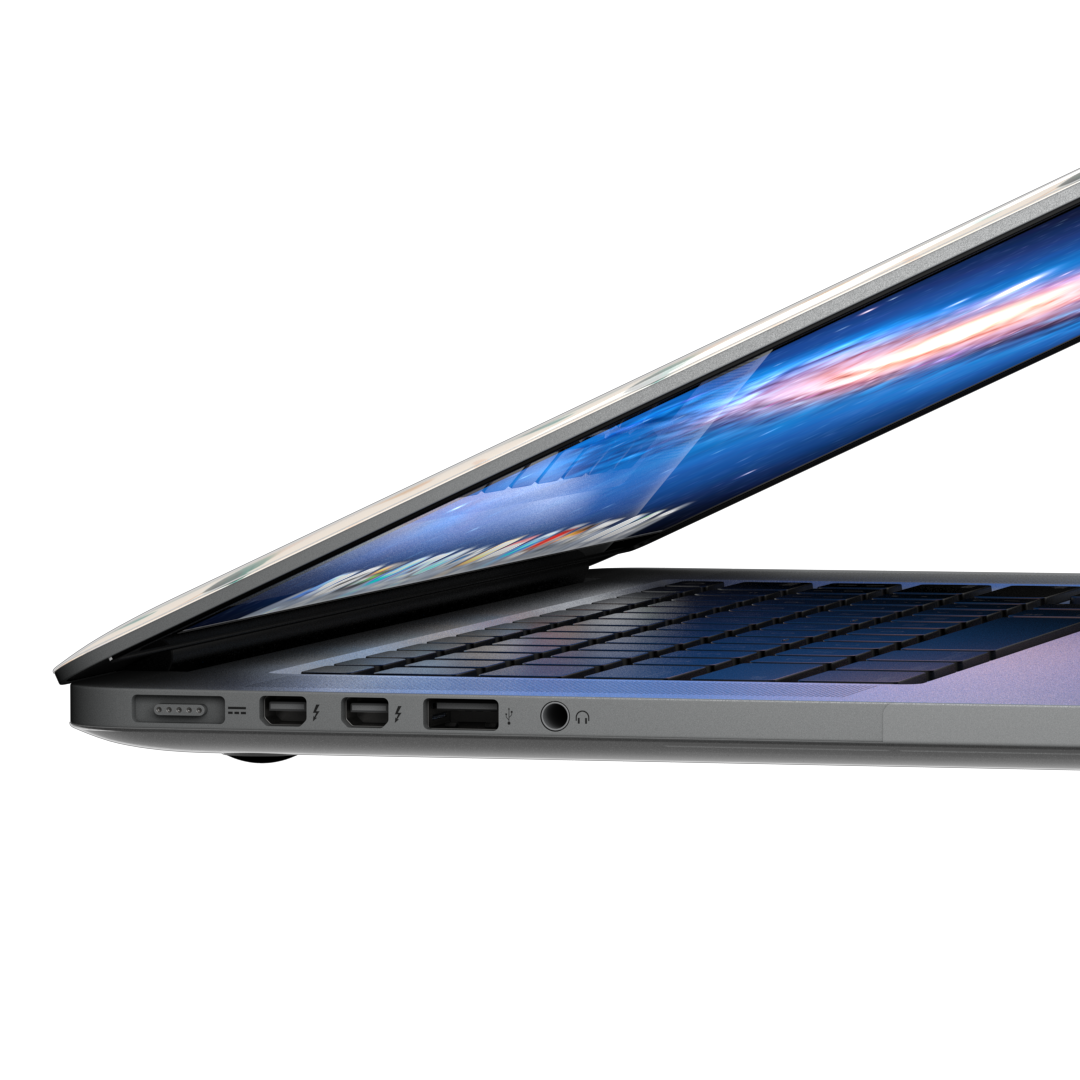
The KaseMe MacBook Hardshell Case is a slim, transparent 2-piece shell that snaps onto your MacBook, top and bottom, and stays in place. The clear polycarbonate construction keeps your MacBook’s original colour and finish fully visible while protecting every surface from scratches, scuffs and everyday drops. It’s the closest thing to no case at all, with real protection underneath.

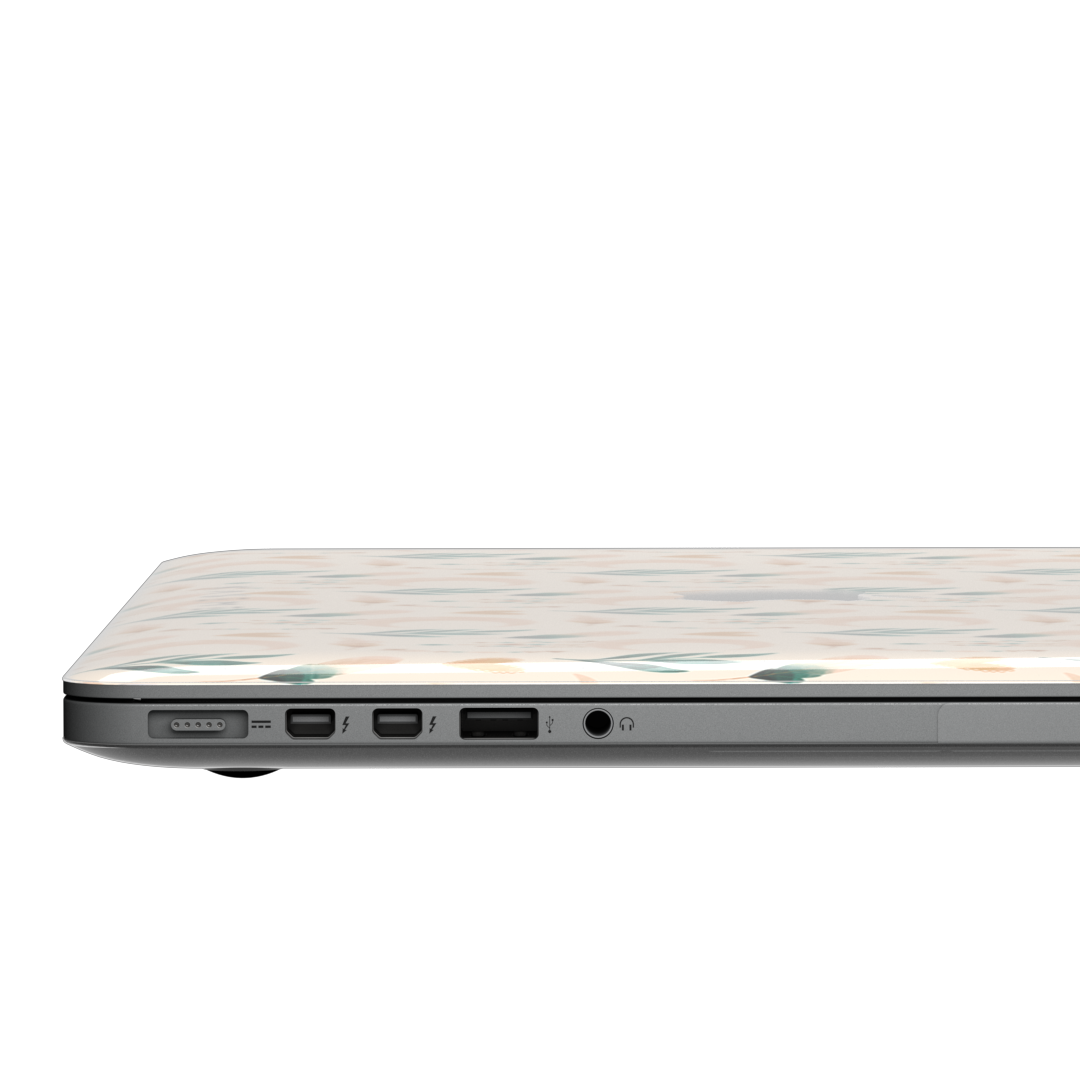
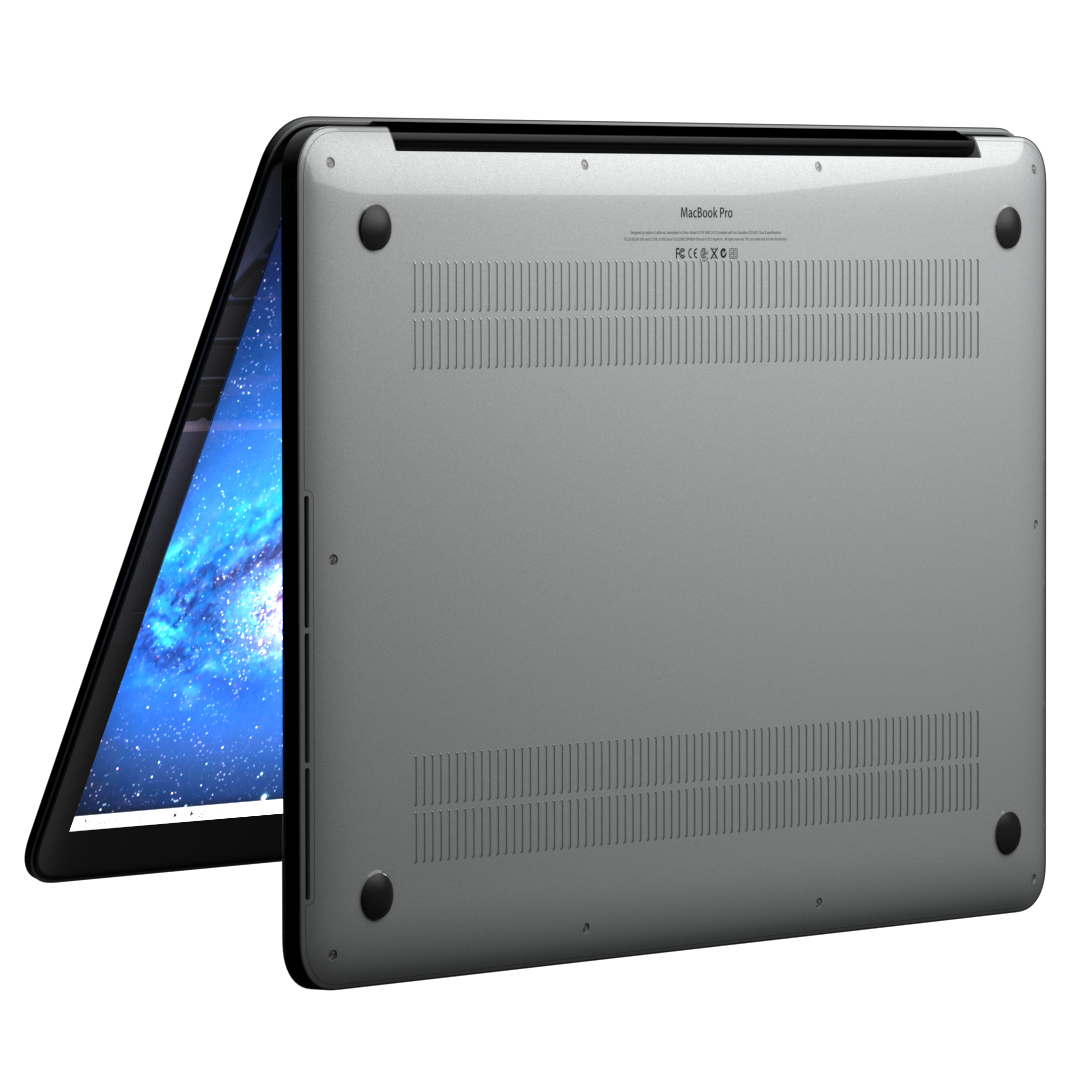
The two pieces snap together easily and lock around the edges of your MacBook without tools or effort. Anti-slip rubber feet on the bottom piece keep your laptop stable on any desk surface and prevent the case from sliding when you type. Every port, slot and button on your MacBook is accessible through precisely placed cutouts, nothing is blocked, nothing needs to come off.

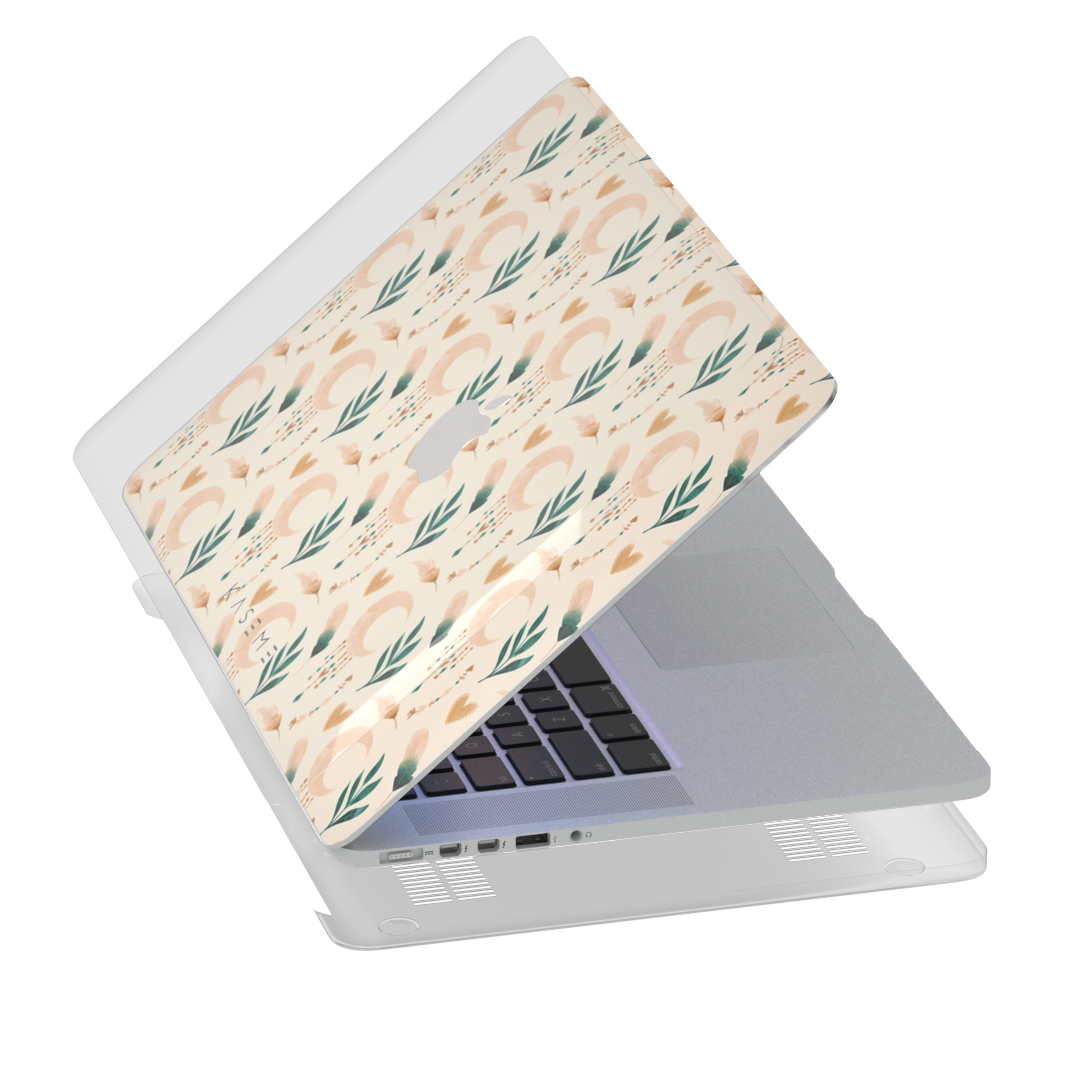
Slim enough to slide into any sleeve it fit in before, light enough to forget it’s there. Pair it with a KaseMe MacBook Skin underneath and your design stays protected inside the shell, lasting even longer without wear.

Please note: the MacBook Hardshell Case must be shipped by express delivery only. Rates are shown at checkout.

About the Design

This is where protection meets art.

The KaseMe MacBook Hardshell Case is fully transparent, designed to let your MacBook, or the KaseMe skin underneath it, take centre stage. The clear shell adds protection without hiding an inch of what’s beneath it.

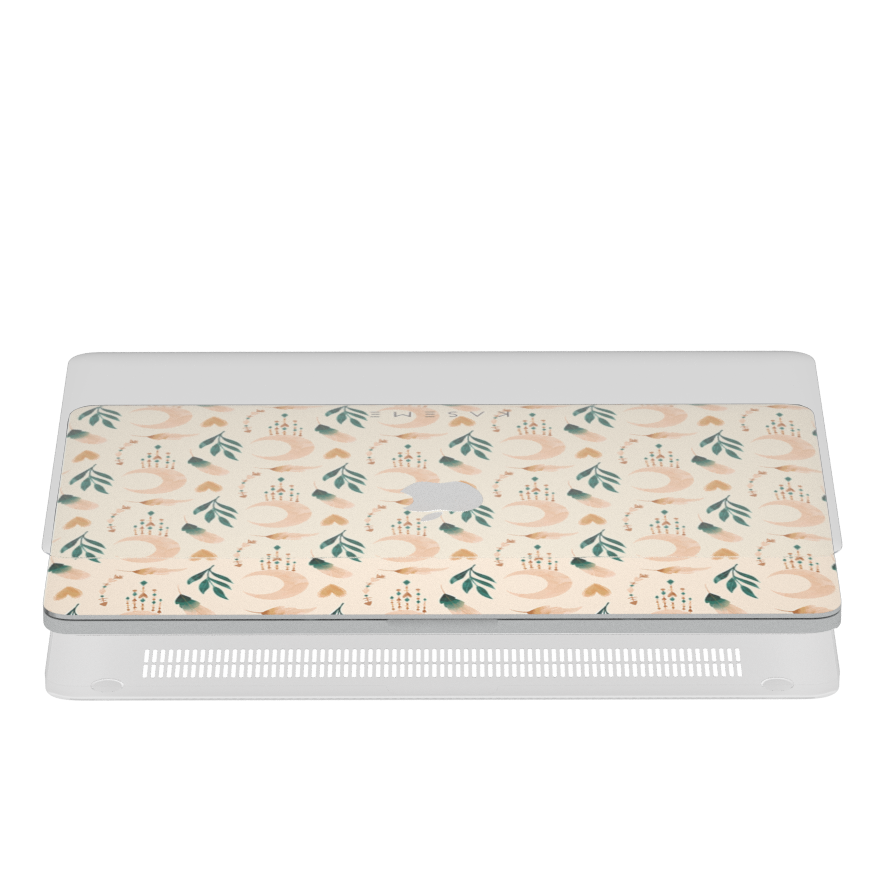
Pair it with any KaseMe MacBook Skin from our collection for the best of both worlds: original Canadian artwork on the surface, rigid protection over the top. Browse the full skin lineup to find your match.

Shipping

Every MacBook Hardshell Case is prepared to order in our Quebec workshop and dispatched straight to your door from Canada. Please note that hardshell cases must be shipped by express delivery only, rates are calculated and shown at checkout.

Standard shipping is not available for this product. Tracking lands in your inbox the moment your order leaves us. For full shipping information, visit our shipping page.

MacBook Skin + Hardshell Bundle

The perfect pair. Add a KaseMe MacBook Skin and a Hardshell Case to your cart together and save $10 automatically at checkout, no code needed.

The skin personalizes the lid with an original KaseMe design. The hardshell protects it from above. Together, your MacBook is covered on every surface, and the skin stays in pristine condition under the shell for even longer.

Please note: the hardshell case promotion cannot be combined with other active discount codes. Shop MacBook Skins →

Warranty & Exchanges

We stand behind every case we make. Every MacBook Hardshell Case is covered by a 1-year warranty against defects in materials and workmanship, including cracking, snap-fitting failures and structural issues under normal use. If something is wrong with your case, we will make it right.

What’s not covered: damage from significant drops or impacts beyond normal use, scratches on the case exterior from daily carry, and cosmetic changes from prolonged heat or sun exposure.

Exchanges are accepted within 30 days of delivery on unused cases in their original packaging. To start an exchange, head to our exchange request page or reach out through our contact page.

Care & Installation

To install your MacBook Hardshell Case:

  • Start with the bottom piece. Align it with the underside of your MacBook, making sure the rubber feet sit at the correct corners and all port cutouts line up with the MacBook’s edges.
  • Slide the bottom piece firmly into place along all four sides until it feels securely against the MacBook’s base.
  • Place the top piece over the lid of your MacBook.
  • Press down firmly from the centre outward, snapping each corner and edge of the top piece.
  • Confirm all port openings, the hinge area and the ventilation slots line up correctly before closing your MacBook.

To remove the case:

  • Start at a corner and gently flex the edge of one piece away from the other. Work around the perimeter rather than pulling from a single point.
  • Once the top and bottom pieces are separated, remove each piece by sliding it away from the MacBook rather than lifting directly.

To keep it clean:

  • Wipe the transparent shell with a soft, damp microfibre cloth to remove dust and fingerprints. Avoid abrasive materials that can scratch the clear surface.
  • Check the rubber feet periodically. If they become loose or worn, contact our support team for a replacement.
  • Keep the case away from extreme heat and direct sunlight for extended periods, which can cause discolouration in the polycarbonate over time.

Complete the look

  • loading
  • loading
  • loading
  • loading

Scratch and Drop Protection in One Slim Shell

The rigid polycarbonate shell protects your MacBook's top, bottom and sides from scratches, scuffs and everyday drops. Anti-slip rubber feet keep it stable on any desk surface without sliding.

Every Port Open, Every Vent Clear

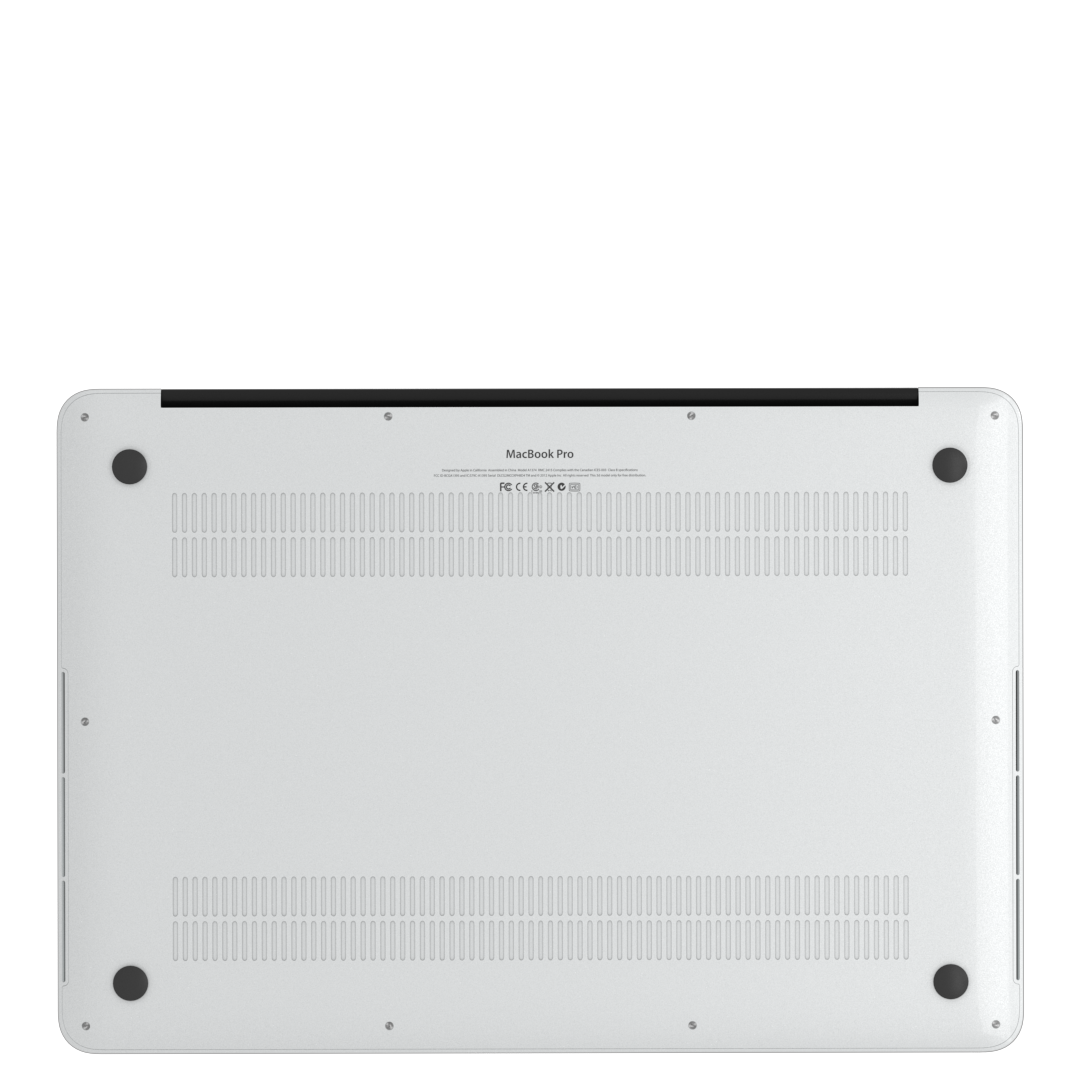
The hardshell is precision-cut for your MacBook model. Every port, slot and button stays fully accessible, and the ventilation cutouts on the bottom piece align exactly with your MacBook's airflow slots so temperature regulation is never affected.

PROTECTED. SEAMLESS. PERFECTLY INTEGRATED.

A clean HardShell look that blends effortlessly into your everyday.

ONE HARDSHELL, ENDLESS LOOKS.

Add a skin, switch your design and reinvent your MacBook without changing your protection.

Similar designs

Time to create your own design

Use our templates or start from scratch to customize your next case.

Start your creation
FAQs

Questions?Answers.

Will the hardshell protect my MacBook?

Yes. The KaseMe MacBook Hardshell Case protects against scratches, scuffs and everyday drops. The rigid polycarbonate shell absorbs and distributes impact across the case, reducing the risk of damage to your MacBook’s aluminium body from typical daily accidents; desk drops, bag knocks and surface contact. Anti-slip rubber feet on the bottom piece add stability on any desk surface and prevent the MacBook from sliding during use. For scratch protection on the lid surface itself, pairing the hardshell with a KaseMe MacBook Skin gives you an additional layer of defence underneath.

Does the hardshell fully cover my MacBook?

Yes. The hardshell is a 2-piece design that covers both the top and the bottom of your MacBook. The top piece snaps over the lid and the bottom piece covers the base, and the two halves lock together around the edges of your laptop. Every major surface is protected; top, bottom and sides, while the hinge, ports and ventilation areas remain accessible through precise cutouts. It’s full-body coverage in a shell that stays transparent throughout.

Will the case stay in place over time?

Yes. The two pieces are designed to snap together firmly and stay locked during normal use. The fit is model-specific, so the shell sits flush against your MacBook without shifting or rattling. Opening and closing the lid, transporting your MacBook in a bag and everyday desk use won’t loosen the case. If you need to remove it, the pieces flex apart at the edges without requiring tools, but they won’t separate on their own.

Does it block ventilation or airflow?

No. The KaseMe MacBook Hardshell Case is designed with your MacBook’s ventilation in mind. The cutouts on the bottom piece align with the ventilation slots on your specific MacBook model, so airflow is maintained and your MacBook can regulate its temperature normally. The rubber feet on the base also lift the MacBook slightly off the desk, which supports airflow underneath during intensive use. Your MacBook runs as designed, case on or off.

Can I use a hardshell case with a skin on my MacBook?

Absolutely, and it’s one of our favourite combinations. Apply a KaseMe MacBook Skin to the lid first, then snap the transparent hardshell over the top. The shell protects the skin from direct contact, friction and surface wear, which means the skin stays vibrant and intact significantly longer than it would on its own. The design shows through the clear shell with no distortion, and you get scratch and drop protection on top of it. Browse MacBook Skins

Does the case add bulk to my MacBook?

Not noticeably. The hardshell is slim and lightweight by design, it adds a thin layer around your MacBook without changing how it fits in a sleeve, bag or standard laptop compartment. The profile stays close to your MacBook’s original dimensions, and the case is light enough that you won’t feel a meaningful difference in your bag. Protection without the penalty of carrying something heavier.

Are all ports accessible with the case on?

Yes. Every MacBook Hardshell Case is precision-cut for your specific MacBook model, with dedicated openings for every port: USB-C / Thunderbolt ports, MagSafe, the headphone jack, the SD card slot (where applicable) and the charging indicator. Side buttons and the Touch ID sensor remain fully accessible. You never need to remove the case to connect a cable, plug in an accessory or charge your MacBook.

How do I find my MacBook model?

There are two ways. The quickest: click the Apple logo in the top-left corner of your screen and select “About This Mac.” The window shows your MacBook model name and year (for example, MacBook Air 13-inch M2, MacBook Pro 16-inch 2023). Alternatively, look on the underside of your MacBook, the model number is printed on the bottom case near the hinge. Use either to select the correct hardshell size when ordering, as each case is cut specifically for one model. For added convenience, we've included a reference chart above that matches each MacBook model with its corresponding product model number.